Guitar amp + effects for Windows · app + VST3 plugin
Ask for a sound.
Describe the tone you’re after — in plain English, or out loud — and ToneGenie builds the whole rig and plays it live. Scroll, and follow one note from the pick to the room.
The signal starts here
01 · The String
Say it. Hear it.
A song, an era, a genre, gear words — whatever you’d say to a friend. Type it or say it out loud, and ToneGenie builds the rig and starts playing it immediately. Small changes — “warmer”, “a bit less delay” — apply mid-note.
Example: typing “warm blackface-style clean with a slow tremolo and a touch of plate” builds the chain Amp Clean → Cab US Clean 2×12 → Mod Tremolo → Verb Plate. The demo cycles through four such requests.
The fine print, early: AI tone design runs on your own key from any of five providers, and you pay that provider directly — no subscription, no account, no middleman. No key? The built-in offline parser and every manual control still work.
02 · The Pedals
More than 65 effects. Any order.
Drive, modulation, delay and reverb, pitch and harmony, texture all the way down to a granular engine and a guitar synth — drag them into any order, with 132 one-click flavors so a good starting point is never more than a click away.
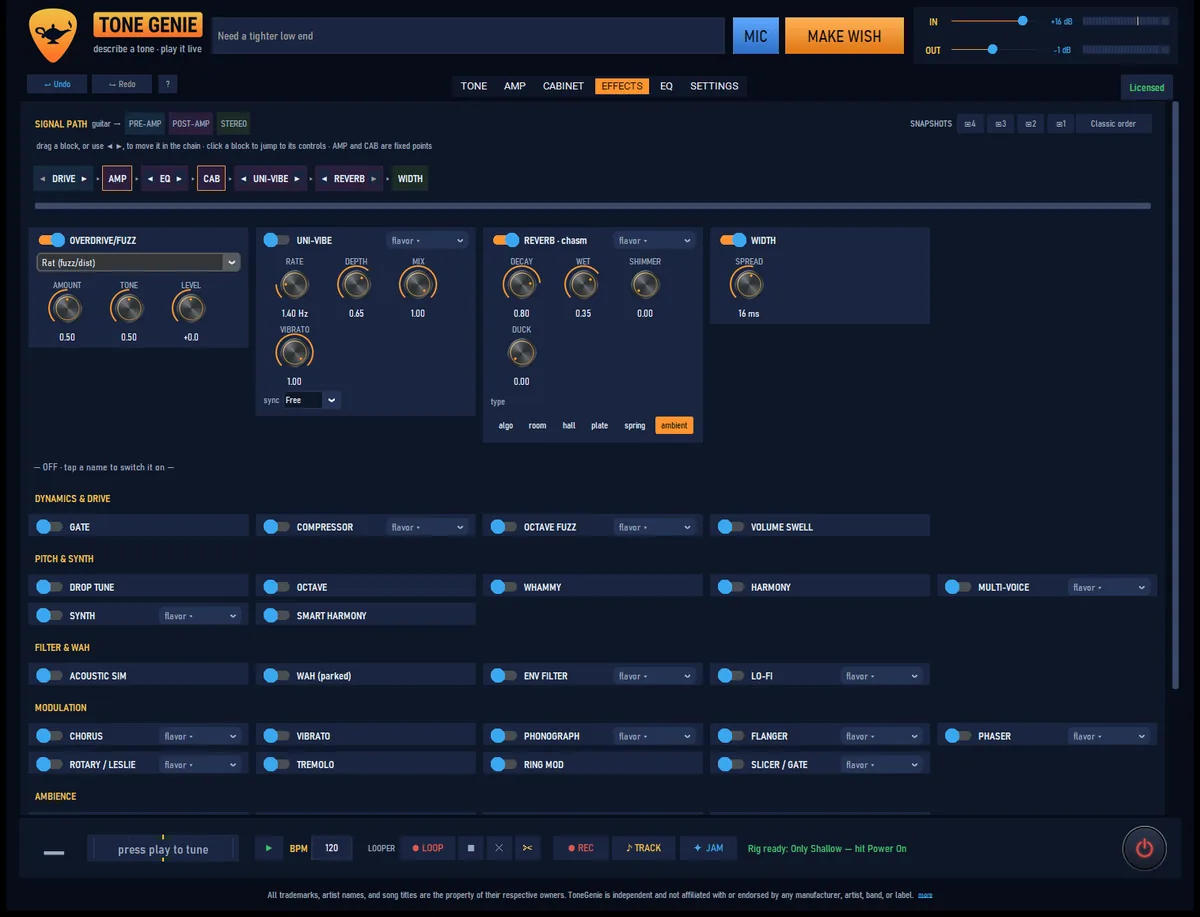
Newest on the board: DIMENSIONAL, a true-stereo spatial chorus — width, not warble — and PHONOGRAPH, one knob from a squishy compressor to a warped “ruined record” vibrato.
03 · The Amp
Five voices, built from the circuits up
Every voice is built from real circuit behavior — tone stacks verified component for component against published schematics — so the knobs behave like an amp’s: continuous, interacting, live while you play.
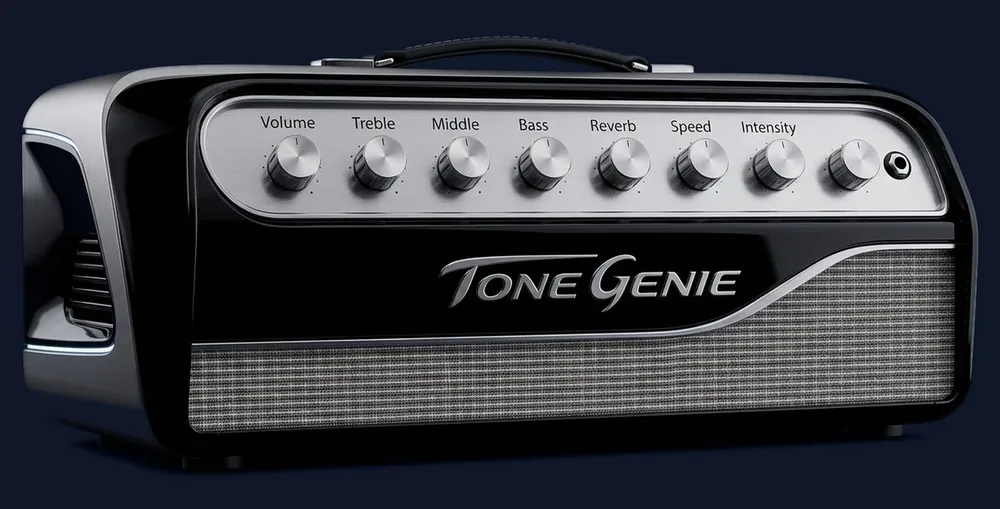
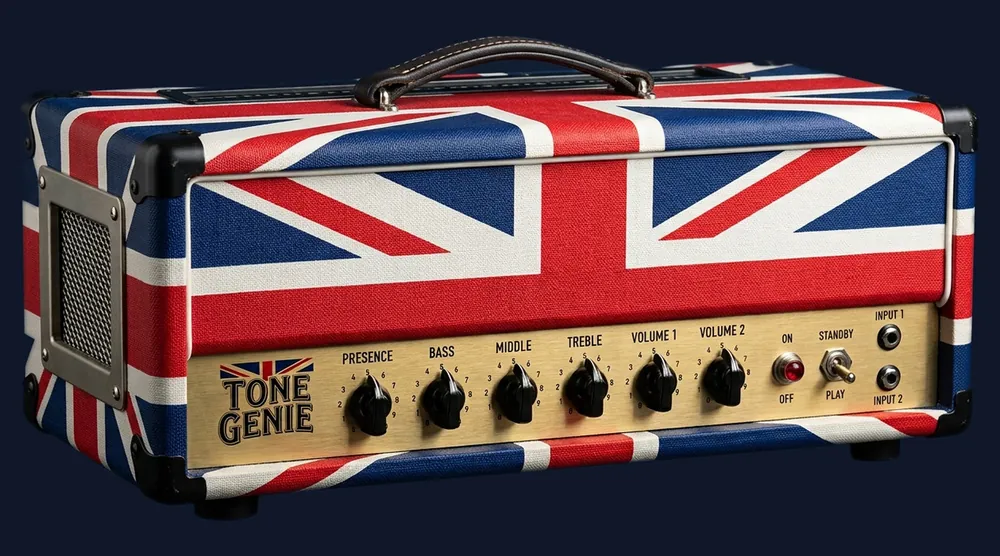
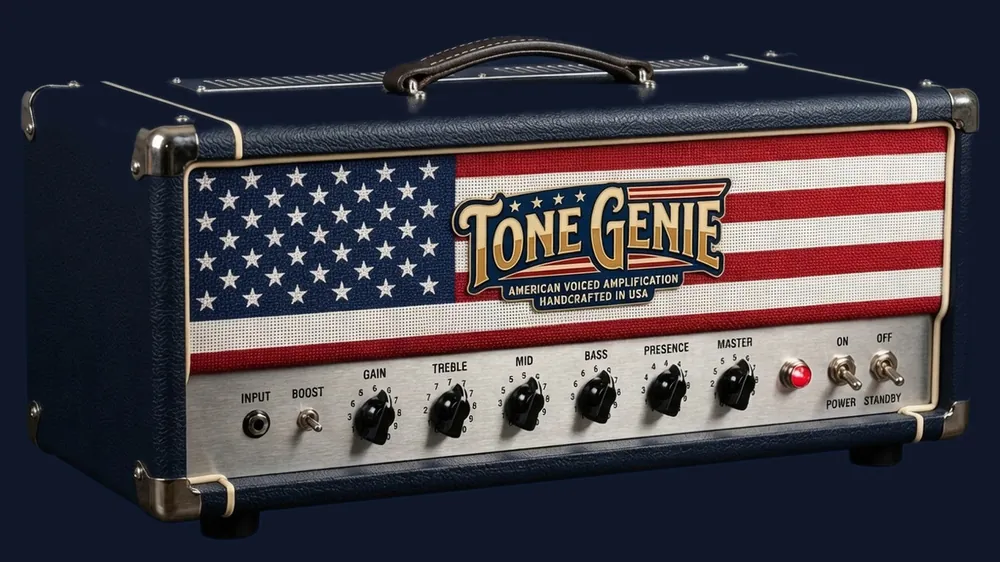
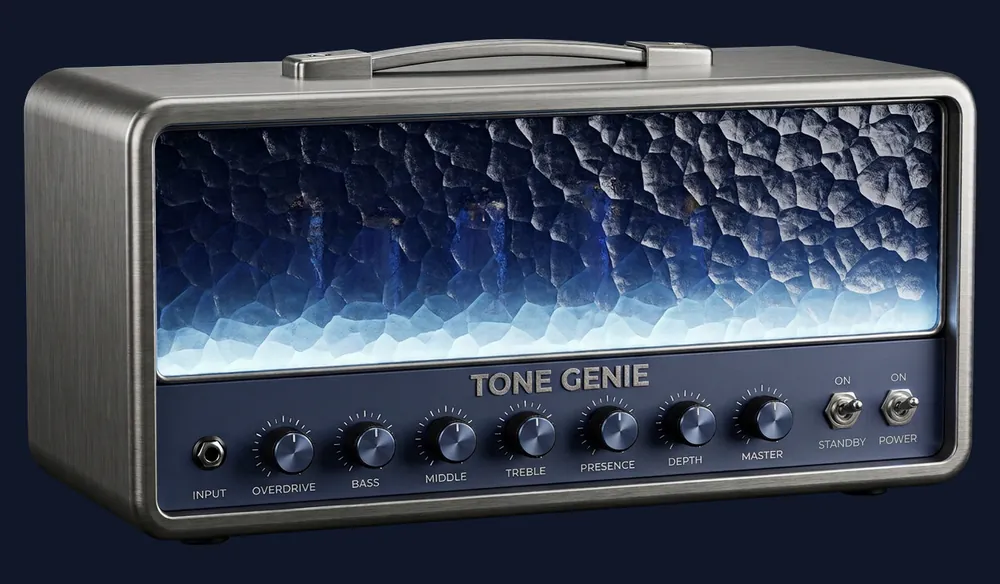
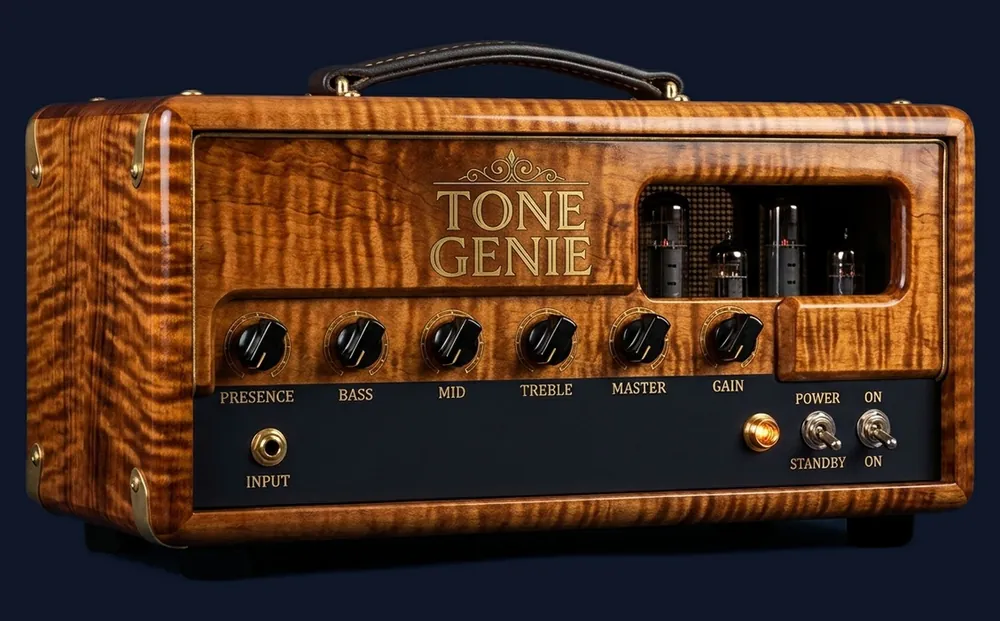
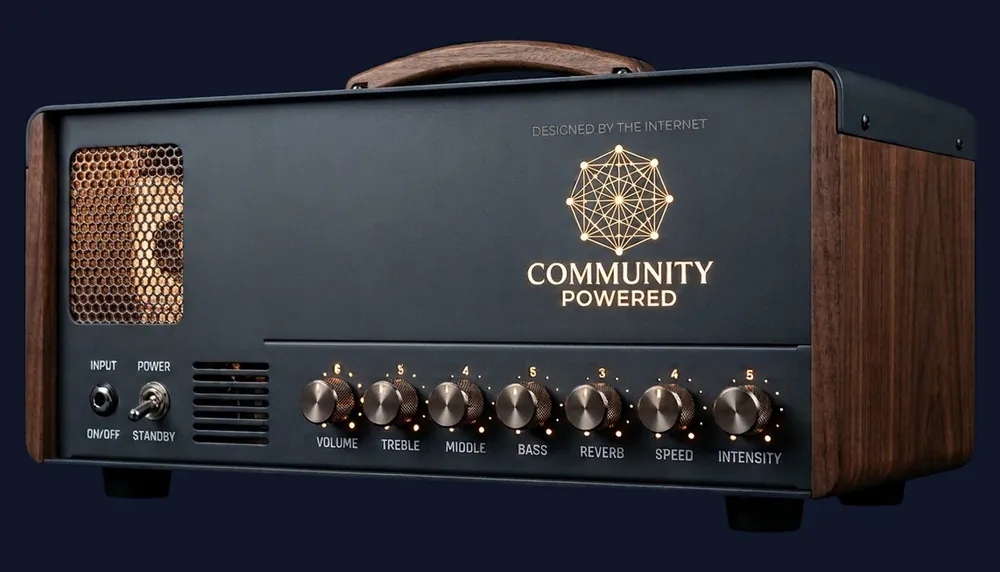
And the sixth door, COMMUNITY: ToneGenie loads free community-made NAM captures — Neural Amp Modeler, an open format — of real amplifiers as your amp. Browse and download them without leaving the app, and run two at once, blended.
04 · The Cabinet
Cabinets, mic’d your way
Four bundled cabinet IRs plus any WAV you import, dual-cab blend, up to two studio mics placed on a draggable speaker view, seven room ambiences — and a 9-band EQ whose live spectrum analyzer runs behind a measured, draggable response curve that gives exactly the dB it promises.
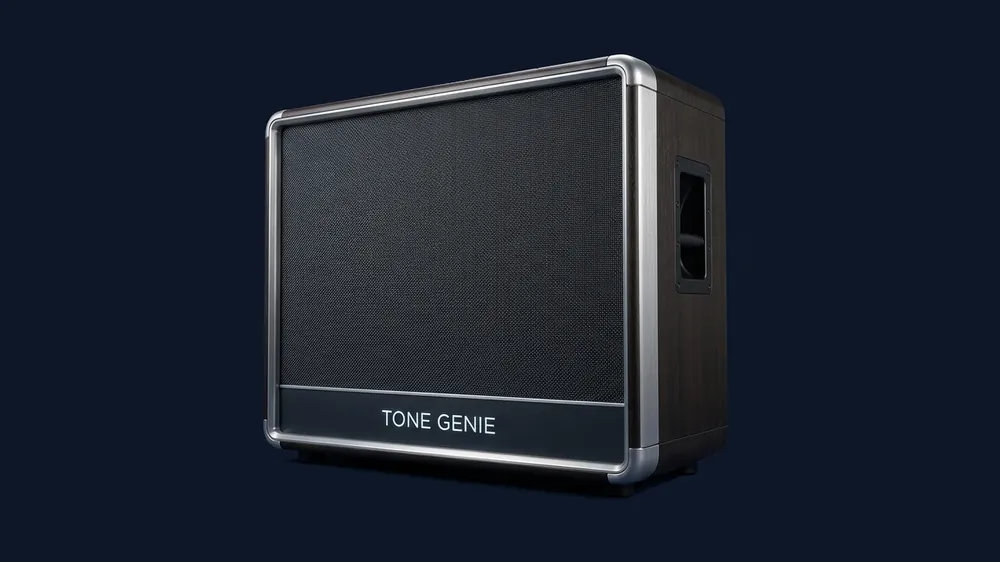
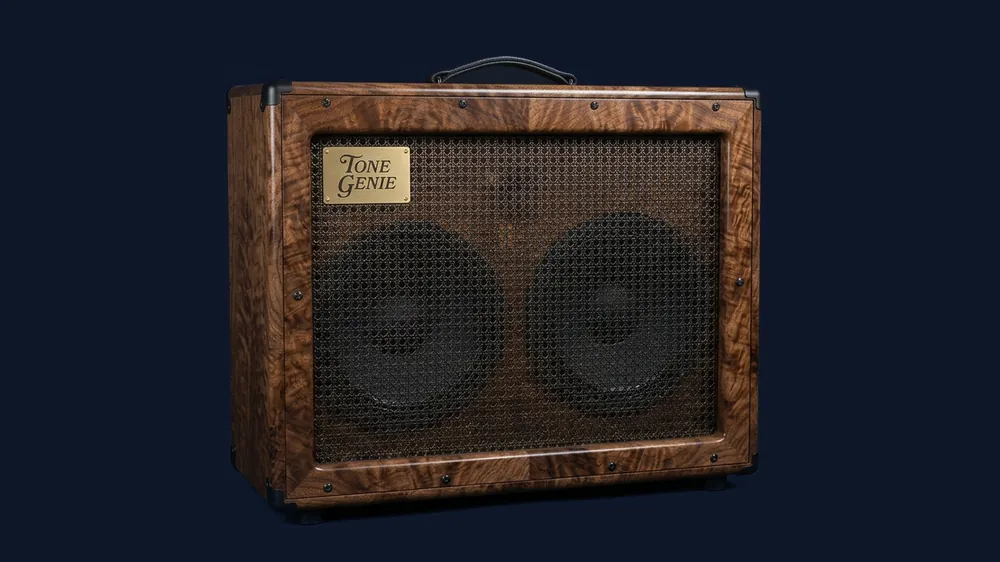
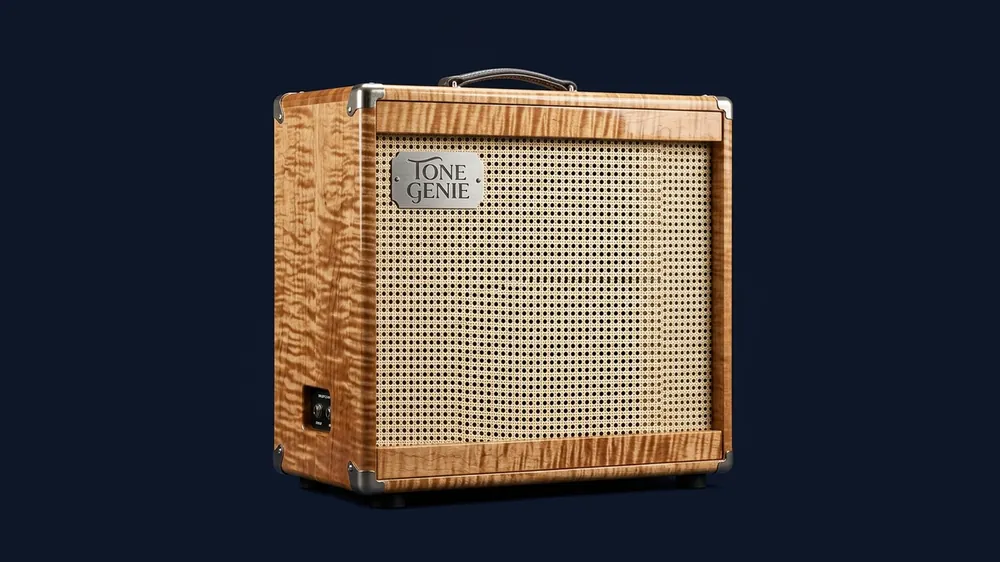
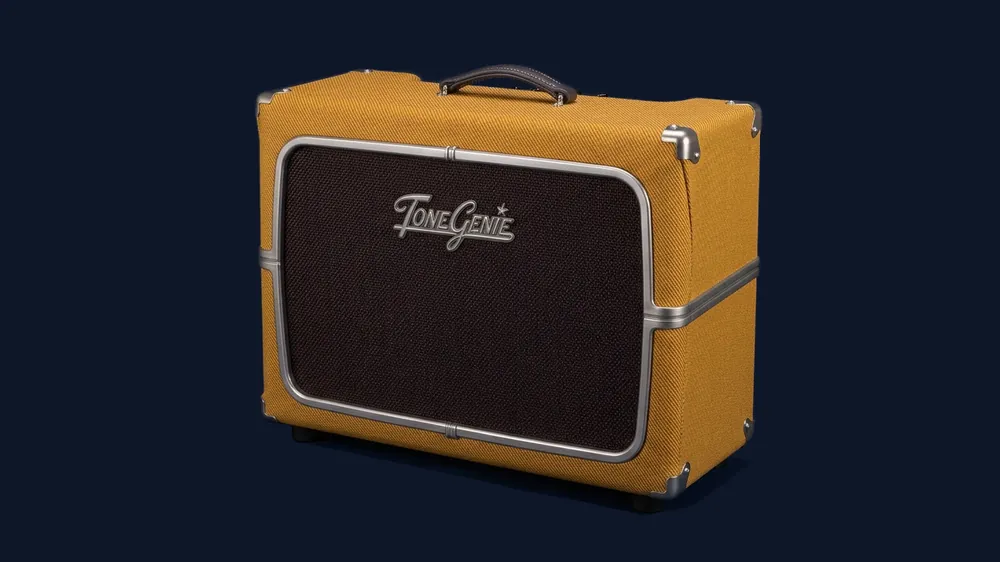
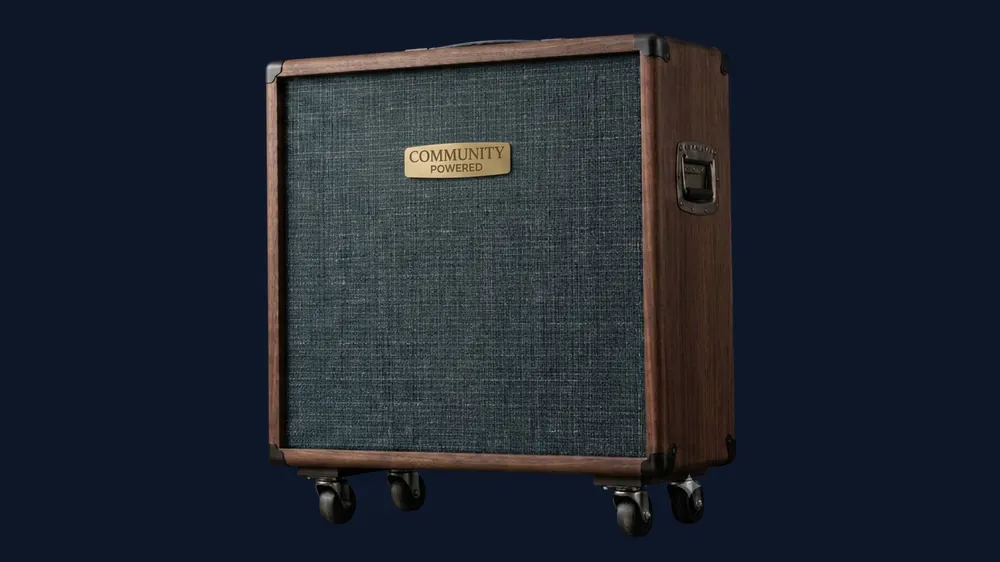
And a channel strip on the cab itself to finish: low cut, high cut, phase and level, with level matching, so swapping a cabinet stays a change of tone and not a change of volume.
05 · The Room
Everything around the tone
All of it lives in one bar: 223 jam tracks filterable by genre, key and tuning; a 90-second looper; a tuner with 45 tunings across 6-, 7- and 8-string guitars; a metronome that never prints to your recording; and a recorder that keeps a bit-identical dry DI of every take.

And the second half of the product: the VST3 plugin — every knob host-automatable, parameter numbering frozen so old sessions keep their lanes, true latency reported to the host. One enforced promise: an automated test renders the same preset through app and plugin and requires the two renders to agree to within 1.5×10⁻⁸.
The Rig
The rig, as it actually ships
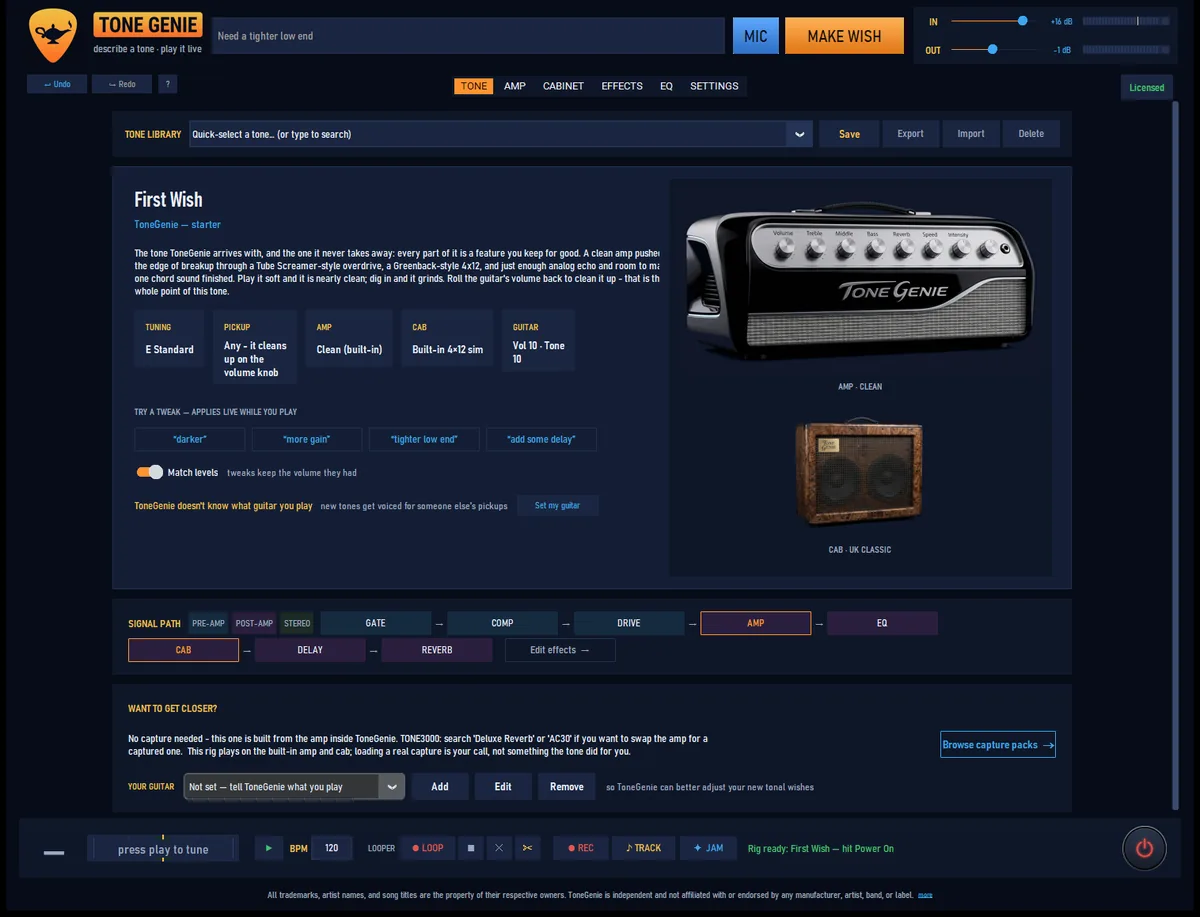
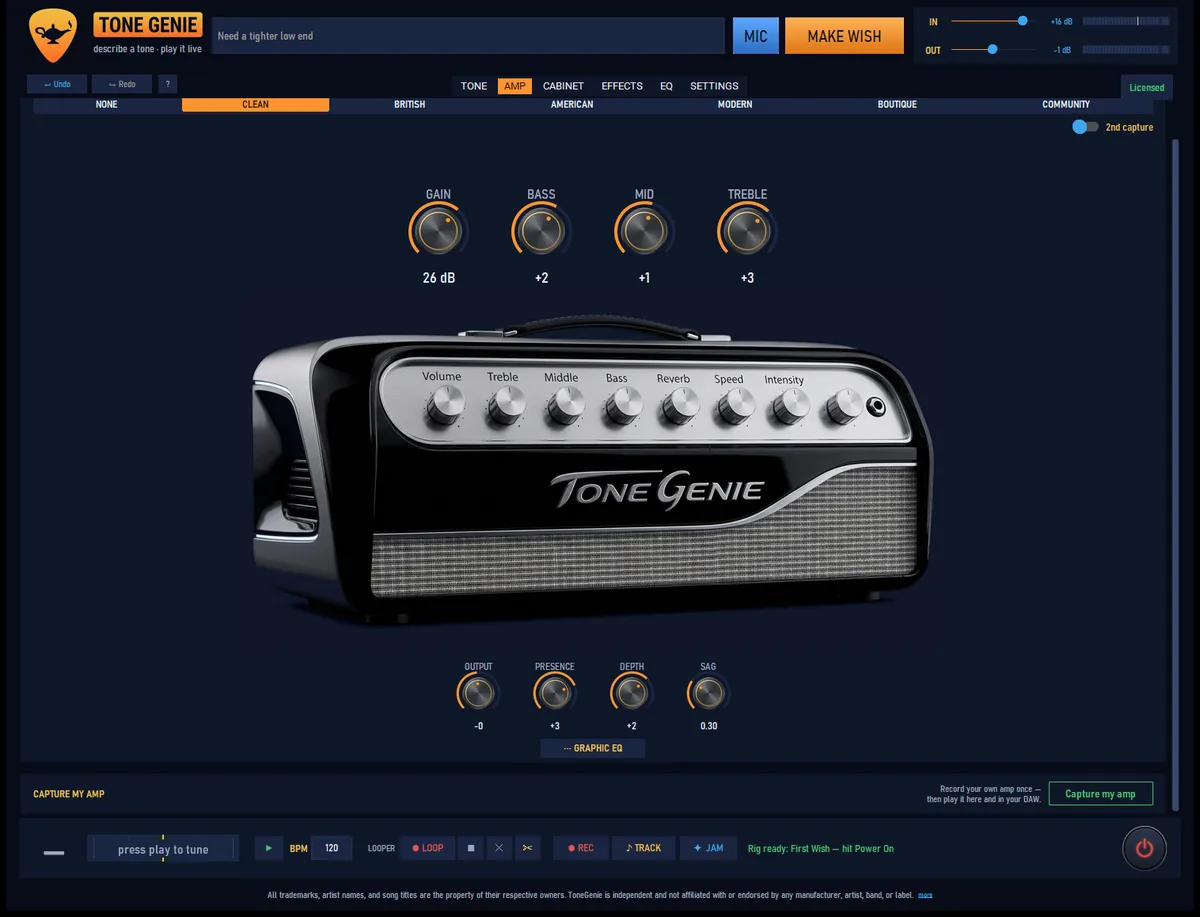
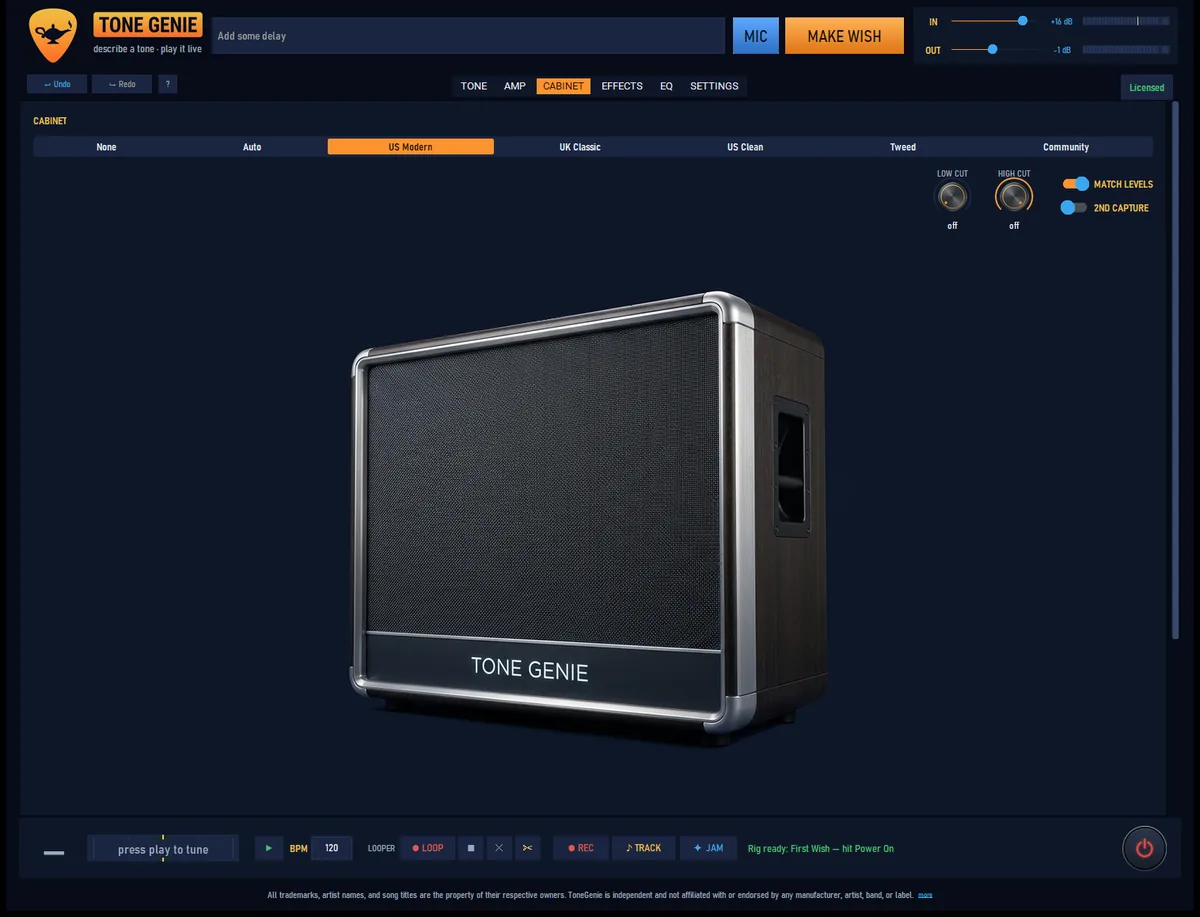
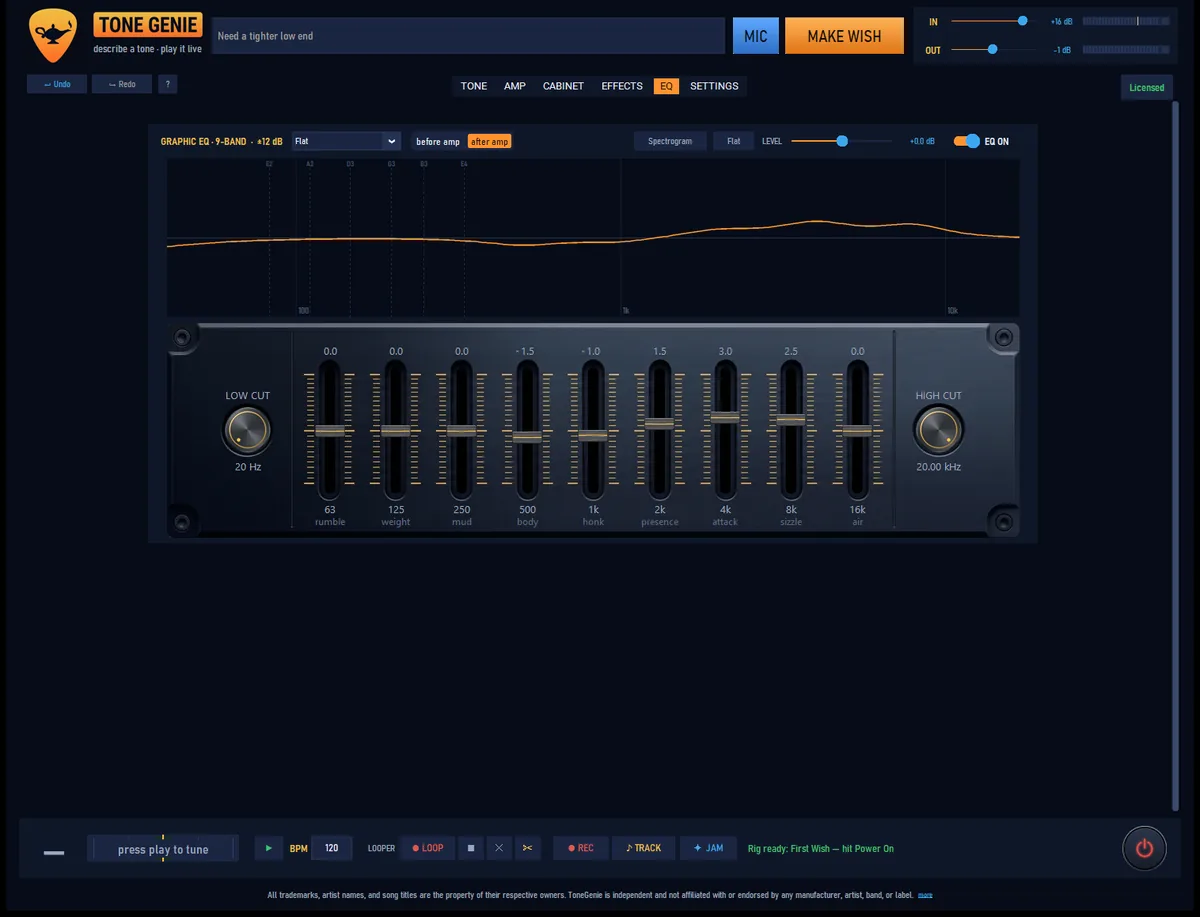
Hit JAM
The room goes dark and the notes draw themselves.
One button turns the whole window into a visualizer driven by what you play. These are real MilkDrop presets, rendered on your graphics card and fed by your guitar — 240 hand-screened ones ship with the app, alongside 16 built-in scenes where the pitch of the note picks the color. It taps nothing but the signal you’re already playing, so it cannot change your tone.
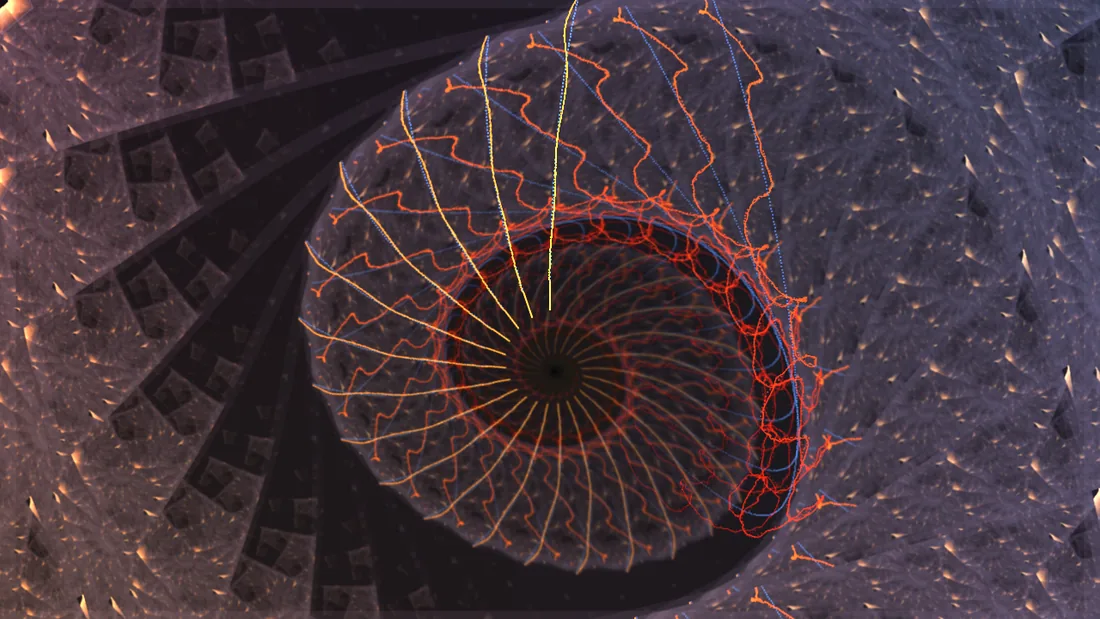



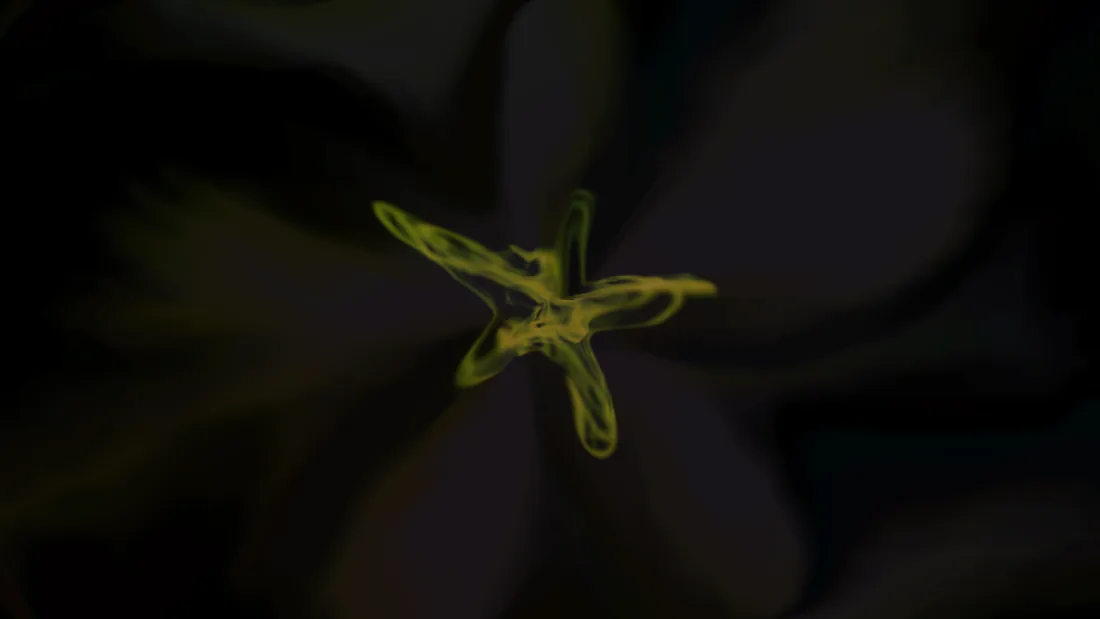

Photosensitivity warning included, and every look rotates on a timer if you’d rather not choose.
Measured, not marketed
We won’t tell you it sounds amazing.
That’s your call — and the trial is free. What we can show you is the engineering:
| Anti-aliasing | 8× oversampling around every nonlinearity; measured aliasing floor −73.5 dB or better at maximum gain |
|---|---|
| Parity | App ↔ plugin render match within 1.5×10⁻⁸ — checked on every build |
| CPU | ≈0.1 ms of processing per audio block — the audio engine needs no GPU |
| Validation | pluginval passed at maximum strictness, zero failures |
The Offer
One payment. No subscription.
$29 · one payment, forever
14 days free, no card. And the trial’s ending is a feature, not a trap:
- An expired trial never goes silent — it becomes a free capture player
- Your own amp captures and cab IRs keep playing at full quality
- A bundled cabinet and a ten-pedal board, free forever
- Windows 10/11 · works offline once a tone is loaded · the audio engine needs no GPU
Downloads open at launch, and it is not on sale quite yet. The launch email is a single message on launch day — nothing else, ever.
The signal reaches the room
Then hit Make Wish.
Get the launch emailThree wishes always seemed a bit stingy.